
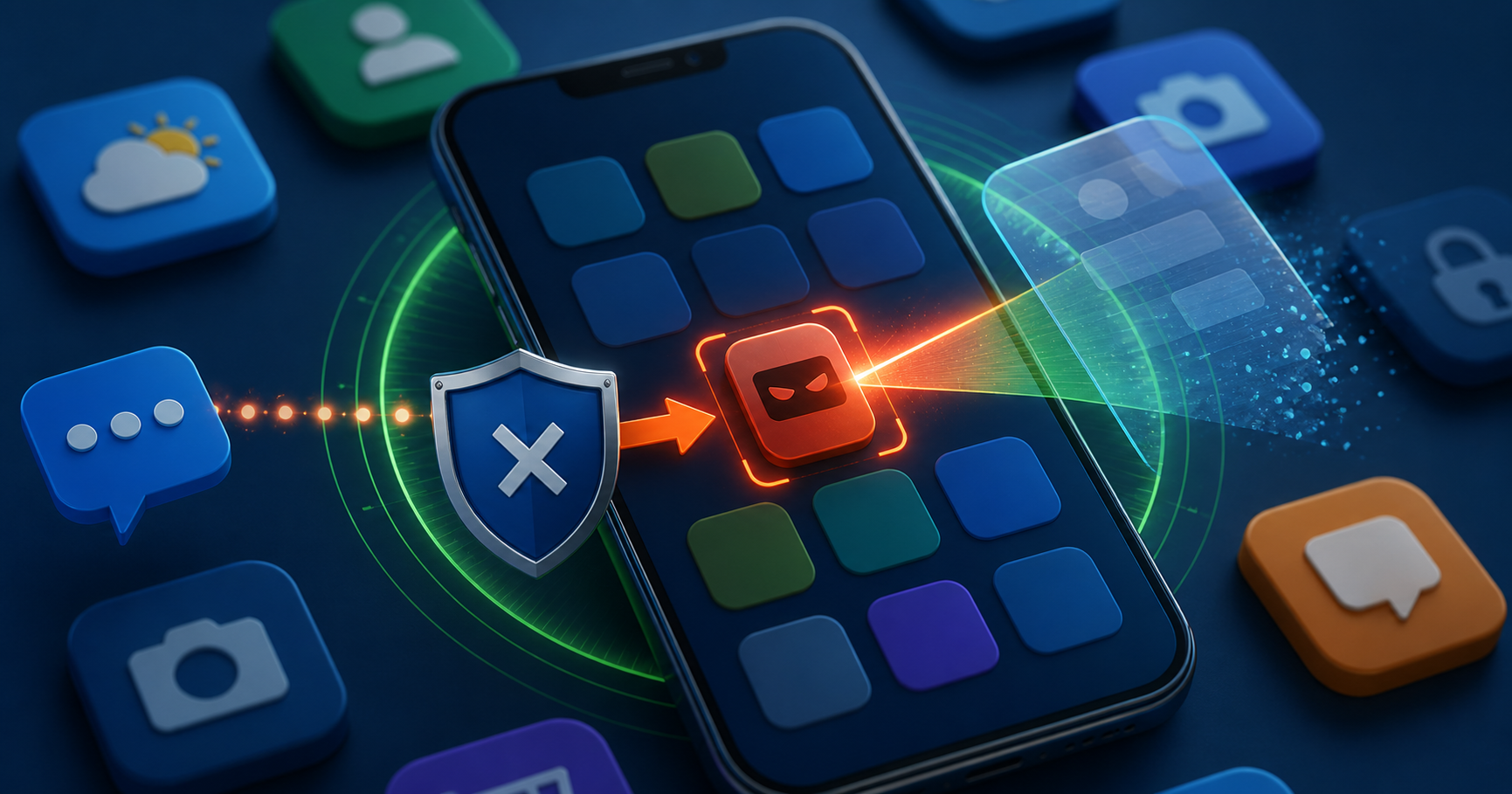
Live threat detection helps catch risky Android app behavior, but OTP users still need clean devices, official app sources, and strict permission discipline.
Google Play Protect's live threat detection shows where Android security is heading: risky app behavior needs to be caught while it is happening, not only after a user has already lost an account. Google has described protections that look for suspicious patterns and warn users about harmful apps.
For OTP users, this is important because malicious apps do not always look like classic malware. Some pretend to be loan apps, delivery tools, support helpers, screen recorders, keyboards, cleaners, or APK installers. Their goal may be to observe messages, overlay login screens, forward codes, or pressure the user into granting dangerous permissions.
Why live detection matters
Traditional scanning helps, but scams move quickly. A risky app may change behavior after installation or wait for the user to open a banking, messaging, or verification app. Live threat detection gives the operating system another chance to interrupt the attack.
That does not mean users can install anything safely. It means updates, Play Protect, and permission discipline work together.
Red flags users should notice
An app asks for SMS, notification, accessibility, or screen-recording access without a clear reason.
A caller or chat contact tells you to install an APK outside the official store.
An app overlays a fake login form on top of a trusted service.
The phone starts forwarding messages, showing strange popups, or draining battery after installation.
A support agent asks you to disable security warnings.
What developers and businesses should test
Apps should not request sensitive permissions casually. If an app needs SMS or notification access, the reason should be clear, narrow, and documented. Support flows should never require users to install third-party remote tools to receive help with verification.
QA teams should also test onboarding on devices with strict Play Protect settings, limited notification access, and privacy controls enabled.
Where BillioPlus fits
BillioPlus helps users receive SMS verification codes online for supported services and testing. It can reduce the need to expose a personal number in low-risk workflows, but it cannot protect a device that has granted dangerous permissions to a malicious app.
Keep the device clean, use official app stores, review permissions, and treat OTP codes as sensitive until the moment they are entered into the official login screen.
Conclusion
Live threat detection raises the floor for Android safety, but the user still decides what gets installed and what permissions are granted. OTP security starts with a clean device.
Source: Google Android safety features and Google Play Protect guidance.
Tags
Chinedu Celestine Okpala
BillioPlus Team · Content & Guides