
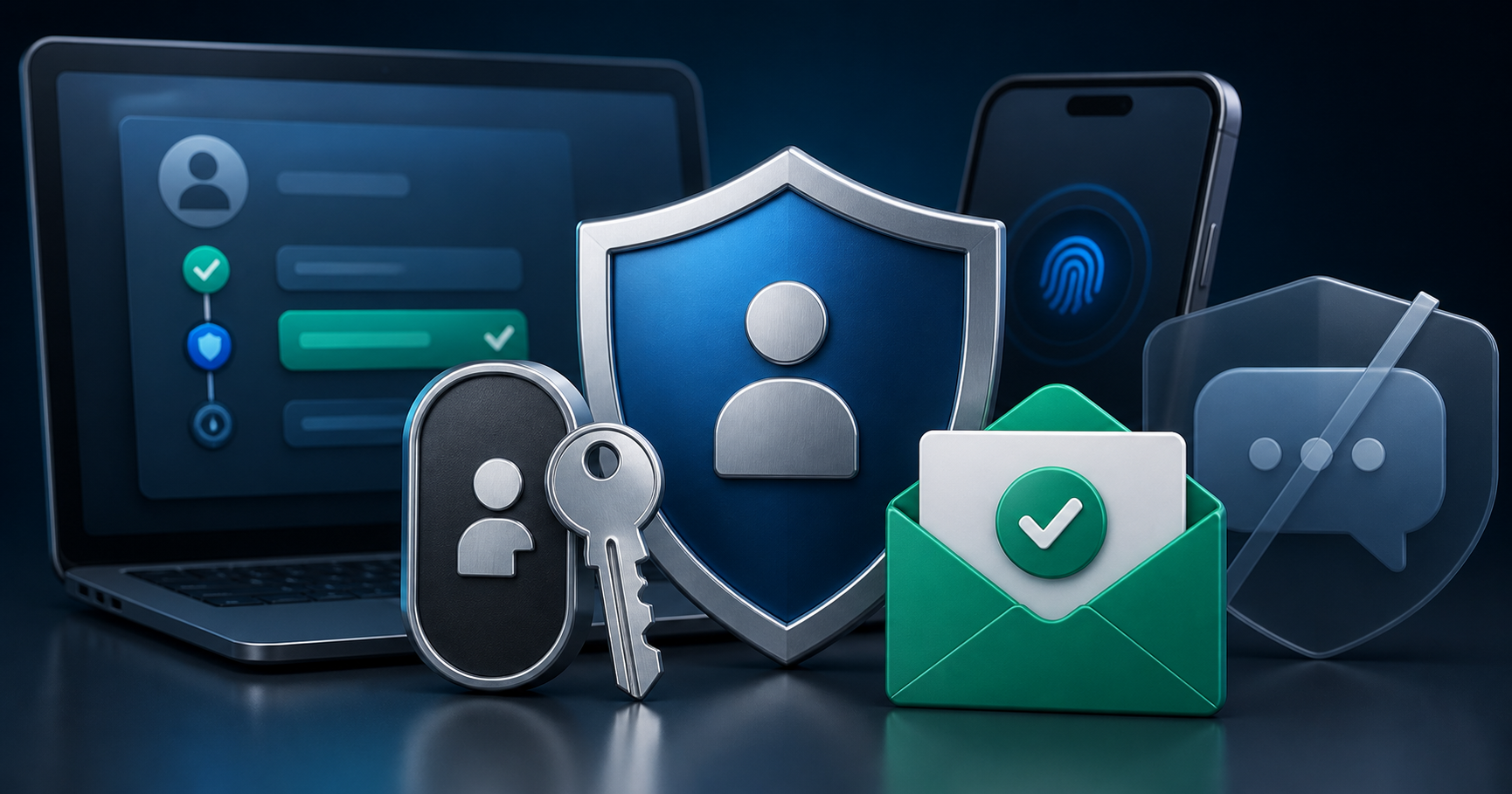
Microsoft's consumer account security push shows SMS codes are becoming a fallback. Users should add passkeys, clean recovery data, and protect high-value accounts.
Microsoft's consumer account security direction is another sign that SMS codes are becoming a recovery fallback, not the center of modern authentication. Microsoft has been pushing passkeys, passwordless sign-in, and stronger recovery choices across personal accounts.
This does not mean SMS disappears overnight. It means platforms are trying to reduce dependence on codes that can be phished, forwarded, intercepted through SIM-swap abuse, or exposed during social engineering.
Why the shift matters
SMS codes are easy for users to understand, but easy does not always mean resilient. A scammer can trick someone into sharing a code. A stolen phone can expose notifications. A weak recovery number can become the easiest path into an account.
Passkeys change the login model because the secret is tied to the user's device and verified through biometrics, PIN, or hardware-backed keys. That makes phishing much harder when the implementation is correct.
What users should do now
Add a passkey to important accounts where the option is available.
Keep recovery email addresses updated and protected with MFA.
Remove old phone numbers from accounts you no longer control.
Save backup codes outside your phone.
Never approve sign-in prompts or share codes for logins you did not start.
What developers should learn from this
Authentication flows should treat SMS as one signal among several. High-risk actions need step-up checks, device history, recovery delays, passkeys, or human review. Support teams should also avoid using phone ownership as the only proof of identity.
Apps that still depend on SMS should test failure cases: delayed messages, recycled numbers, missing SIM access, lost phones, and users who have moved to passwordless sign-in.
Where BillioPlus fits
BillioPlus can help users and developers receive SMS verification codes online for supported services, especially during onboarding and QA testing. That is useful while platforms transition toward stronger authentication.
For permanent recovery of a Microsoft account, primary email, banking app, or admin dashboard, use credentials you control long term and protect them with passkeys or MFA.
Conclusion
Microsoft's direction is part of a larger authentication reset. SMS remains useful, but the future of secure login is layered: passkeys for sign-in, clean recovery data, and careful OTP habits when codes are still needed.
Source: Microsoft passwordless account update and Microsoft passkey guidance.
Tags
Chinedu Celestine Okpala
BillioPlus Team · Content & Guides