
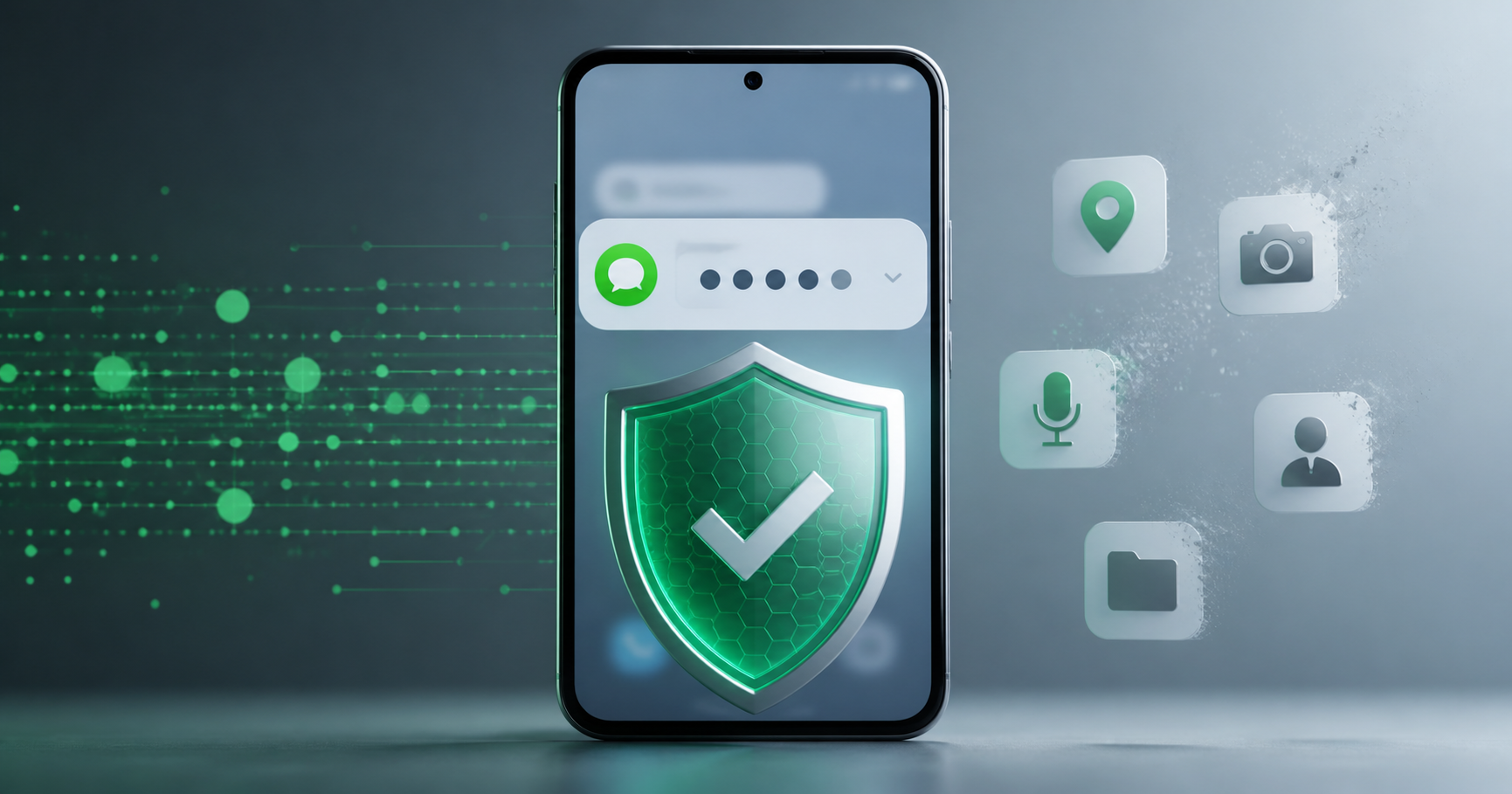
Android is tightening protections around sensitive codes, notifications, screen sharing, and risky apps. OTP users should update privacy habits before a scam starts.
Android security work keeps moving closer to the parts of verification that users actually touch: notifications, permissions, screen sharing, and risky app behavior. Google has highlighted protections that reduce how easily sensitive OTP codes can leak to untrusted apps or during unsafe interactions.
That matters because many account takeovers do not start with advanced hacking. They start when a scam app, screen-share session, notification preview, or fake support call gets close enough to see a one-time code.
OTP privacy is notification privacy
Verification codes often arrive when a user is distracted. The code may appear on a lock screen, in a notification shade, or inside a messaging app preview. If another person or app can see that code, the account may be at risk even if the user never typed a password anywhere.
Android's direction is clear: sensitive content needs tighter controls, especially around apps that have no reason to read codes, capture screens, or watch overlays.
What users should change
Disable lock-screen previews for sensitive messaging apps.
Keep Android and Google Play Services updated.
Do not install APKs from unknown links just to receive a code or unlock a prize.
Stop screen sharing before opening SMS, email, or authenticator apps.
Treat any support agent asking for a code as suspicious.
What developers should test
Login flows should assume some users have strict notification privacy enabled. OTP entry should still be accessible, clear, and resilient when previews are hidden. Developers should also avoid training users to copy codes into chat threads or send screenshots to support.
For QA teams, test account setup with different notification states, Android versions, and SIM or virtual-number workflows before launch.
Where BillioPlus fits
BillioPlus can help developers and privacy-aware users receive SMS verification codes online for supported services. It is useful for testing whether OTP delivery, timing, and recovery copy work across realistic number scenarios.
For permanent recovery on high-value accounts, use a number you control long term and protect it with device lock, SIM security, and recovery backups.
Conclusion
OTP safety is no longer just about the code itself. It is about who can see the notification, what apps can observe the screen, and whether the user is being pressured while the code arrives.
Source: Google Android security updates from I/O and Google Android safety and security features.
Tags
Chinedu Celestine Okpala
BillioPlus Team · Content & Guides